
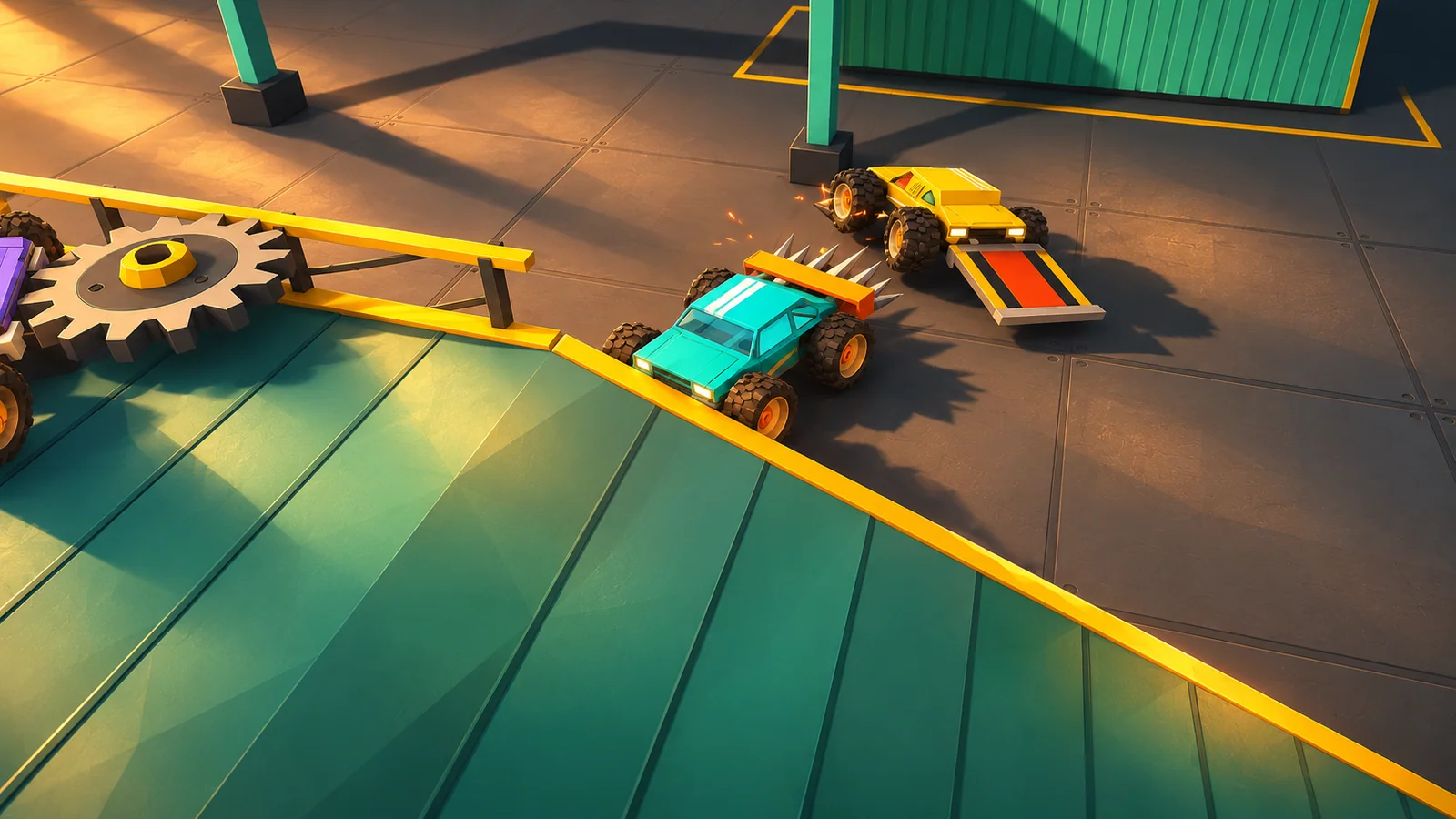
Find the keys for steering, camera, boost and mount selection, plus the shortcuts for pausing and starting another heat.
Drive with either key set
Use WASD or the arrow keys to choose a direction. Hold a driving key and drag the right side of the game view with the mouse to look around. The car keeps its held course during the camera move. Let go of the driving keys and press again when you want the new viewing angle to set your direction. C recenters the camera behind the car.
Set up a pass
Press 1 for Front, 2 for Left or 3 for Right to select the mount for your next new weapon. The selected card has a gold highlight. Press that key again to clear the selection. Space activates boost along the direction the nose is facing. A disc saw or flipper works when its fitted part touches a rival, so there is no separate attack key to memorize.
Pause or start again
P pauses the heat and opens the Resume panel. P also resumes play. At the results screen, either Enter or R starts a fresh heat. The on-screen Race again button does the same thing.
Learn the direction keys on a marked lane
Bring Tinker to a straight stretch and put the chase camera behind the car with C. Press W or the Up arrow and watch where the nose turns. Press D or the Right arrow on its own and the car steers toward the right of that reference view. These inputs select a direction of travel. In particular, pressing a side key does more than twist the front wheels while some other key supplies all the throttle. Give the car enough open space to turn into the direction you requested.
A pair of keys gives an intermediate direction. Hold W and D as you approach a broad diagonal opening to point across the view. Let go of D to return to the forward direction. A diagonal combines the two inputs without giving the car an extra burst of speed. On a narrow ramp, choose your diagonal while you still have room at ground level. Then straighten up along the deck before the rail closes in on either side.
Use the mouse without losing your heading
Hold a driving key while you drag across the right half of the screen with the left mouse button. The view orbits, letting you see a driver alongside or behind you. You can also hold the right mouse button and drag to look. This is a handy alternative when the pointer is nearer the middle of the window or when you want to leave the on-screen buttons alone. Release the mouse button to keep the angle.
A held driving input keeps its reference direction through the camera move. To chase a rival you just spotted on screen, release the movement keys briefly before pressing toward them in the new view. For a rearward glance, keep the movement key down and use C to bring the camera back behind the car. Try both sequences on one trip down South Straight. One keeps your line through the glance, while the other lets you deliberately choose a new course.
Reach each useful key from your driving position
With WASD, Space sits within reach of the same hand and the mouse can stay on the camera. Boost travels along the car’s nose, so reach for Space after the turn. If you prefer the arrow keys, you can still use the on-screen Boost button with the mouse. Work out which arrangement lets you keep steering while activating the burst. There is enough space on an empty straight to try both without having to follow a rival at the same time.
The number row selects mounts. Imagine a loose saw ahead and an empty Right card. Tap 3, glance at the gold highlight on Right and drive over the saw. If your next pickup is another saw, it upgrades the fitted one automatically. Pressing 1 does not convert the duplicate into a front saw. To cancel a selected slot before reaching a different kind of weapon, press the same number key again. Rehearsing that correction once is easier than discovering it beside a part you wanted to keep.
Use the keys for an entire encounter
Start with a short stretch of road between you and a rival. Hold a direction that brings you toward the open side of the rival’s path. Use a small mouse drag for a better sightline around the end of a container. Resist the temptation to release your driving keys in the middle of that drag unless you mean to change the movement reference. When the car’s nose and the opening line up, press Space once and keep steering toward the open lane beyond.
If the cars separate, use C and a fresh tap of your chosen direction to set up the next pass. There is no attack button to hold through the collision. The fitted rack, saw or flipper makes contact according to its own shape and timing. Keeping one finger free for Space and your view clear of the car’s body is more useful here than repeatedly clicking on the other driver.
Tell camera trouble from game state
If driving seems to stop responding, look at the middle of the screen. Heat paused appears when the match is paused, with a Resume button below. P toggles pause, and Escape also works during a heat. Inputs are cleared when you pause, so come back with a fresh direction after resuming. A results panel showing the winner means the three-minute heat has ended. At that point you can press Enter or R for another heat.
A countdown saying Returning in means Tinker was wrecked and is waiting to respawn. Let the car reappear before trying to use its boost. Spawn protection is displayed near the radar as the new life begins. You can use that time for a steering input and a look around the new position. Save a fighting pass for after the shield clears so a fast approach does more than carry you past an opponent.
Build a small keyboard reference from the HUD
The HUD gives visual feedback for most shortcuts. Press one of the three number keys and check the highlight along the top edge of the corresponding card. Use Space and watch the gold ring around Boost refill. Press C with the camera off to one side and watch the view move behind the vehicle. These checks establish which action the game received even if another collision prevents the result you expected. They also work in an ordinary heat without a special practice mode.
For a short refresher on a later session, do one lap using arrows, mouse look and recenter only. On the following lap add a selected mount before the first new weapon and a single boost once the lane is open. That puts every driving control into a real situation with visible feedback. Pause somewhere safe to read the card labels, return to the heat and see how many actions you can now perform while keeping the opponent in view.
A quick check after changing windows
Returning from another window clears the game’s held inputs. If you left the camera looking across Tinker, press C before the next movement and press your driving keys again. This avoids confusing the loss of a held key with an unexpected turn. If you want to return to a stationary screen at a particular moment, pause with P before you switch away.
On a keyboard, a neutral moment also gives you a chance to put the mouse over the looking half of the view before taking the first glance around the car.