
Test a game before a trip. Check whether it opens without a connection, which modes work and whether your progress survives a restart.
Choose the mode you want to take with you
A downloaded icon tells you that the app is on your phone. A useful offline check answers another. Can you open the game, enter your chosen mode, finish something and keep the result without Wi-Fi or mobile data? Pick the exact activity you want before you test. A solo puzzle, a saved adventure and a match against other people can depend on different things inside the same app.
Look for any first-run setup while you have a connection. Open the chapter, language pack or map that you plan to use. If the game asks whether to download more content, check which chapters the download actually covers and allow it to finish. The first area in a tutorial is a poor test for the second area of a campaign.
Try a fresh launch with both connections off
Use a practice slot or a point where you have already saved. Take note of something easy to recognise, such as a completed level, the number of stars beside a puzzle or the last checkpoint you reached. Close the game normally. Turn off mobile data and Wi-Fi, then open the game from its icon. If you use airplane mode, check the Wi-Fi indicator too. The test depends on the connection actually being unavailable.
Go beyond the title screen. Open the mode you chose and play to a small milestone. In a puzzle game, finish a board and open the next one. In an adventure, cross a checkpoint and change areas. In a sports game, finish an exhibition match and see whether a new one can start. Different milestones reveal different dependencies, and a few minutes now are cheaper than finding a download screen halfway through a journey.
Check what the phone remembers
A session that stays open can hold progress in memory. To check whether the game saved it, return to its menu after a small milestone, allow any save indicator to finish and close it normally. Reopen it while still offline. Compare the chapter, result or unlock with what you wrote down. You now have an answer for this mode on this phone. Keeping the game installed preserves the save you are testing.
Local progress and a cloud backup answer different questions. A local save is what the same installation can load in this test. A backup is what you may be able to restore elsewhere, subject to the game’s account and sync features. Verdant’s Android campaign offers offline guest play and keeps progress on the device. On builds that offer Google Play Games backup, signing in and restoring that progress are separate actions. Before changing phones, check the backup status in the build you actually use.
Know where the other players come from
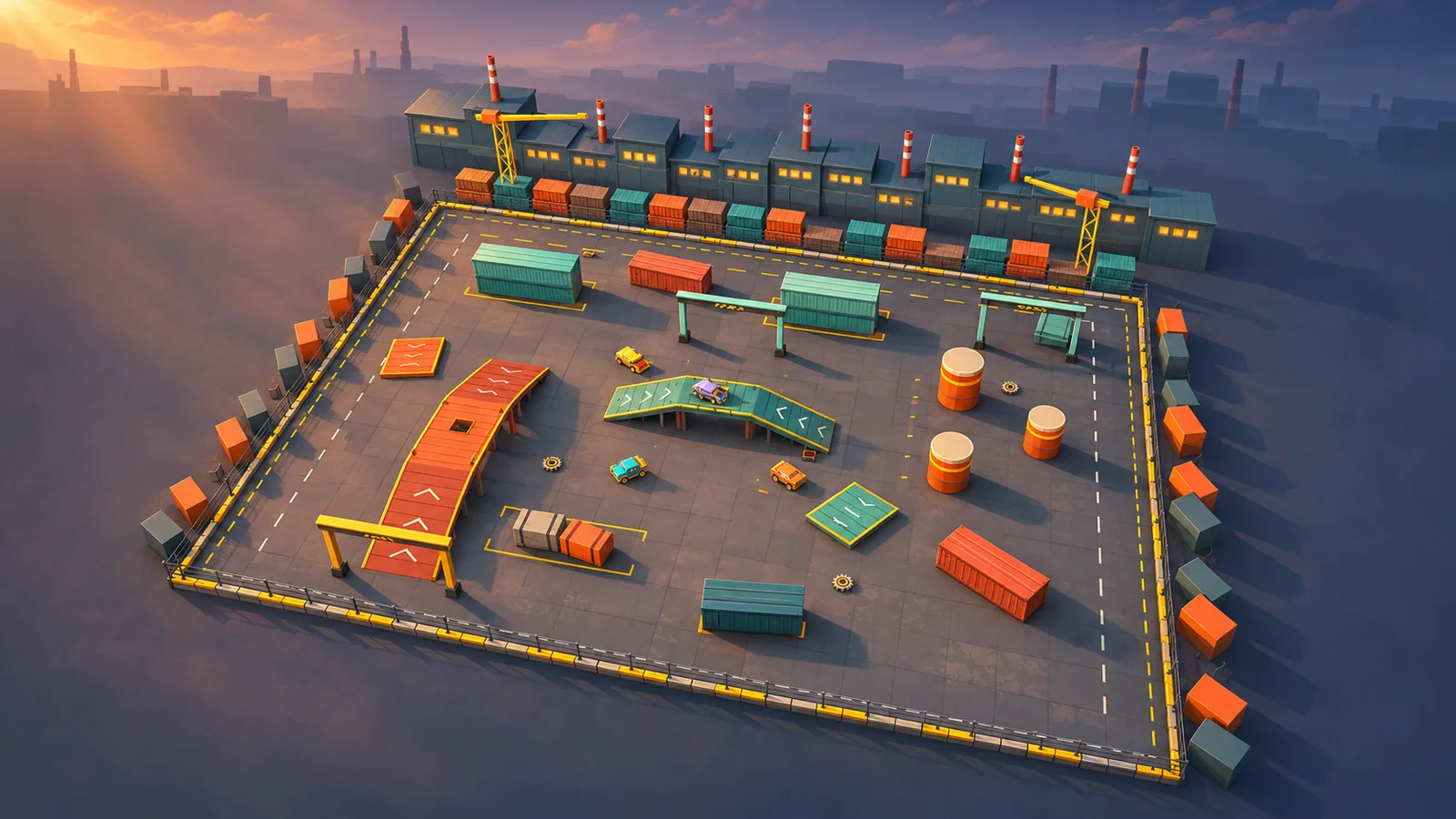
A screen full of opponents can still work offline when the game runs their decisions on the device. In the original v0.8 Android build of Scrapyard Rumble, seven local rival drivers steer, collect parts and chase points during a three-minute heat. You can test its offline loop by finishing a heat and starting another. That tells you about that build’s solo derby. A similarly busy arena in another game might be waiting for an online matchmaker.
If the mode has a friends list, seasonal ladder or timed event, check those features separately. A turn-based board game might let two people pass the same phone between turns while its remote match list needs a connection. Record what happened in words you can use later, such as ‘the solo campaign loads and saves, and online challenges need Wi-Fi.’ That is more informative than a single offline label for the entire game.
Distinguish an installed game from a browser tab
A browser game that continues running after you disconnect has demonstrated that its current session can run locally. To find out whether you can start again, open its address from a fresh tab while offline. If the old tab plays but the fresh one cannot load, keep that difference in mind when deciding what to take on a trip. An installed Android build and a web version with the same title may behave differently.
Before reconnecting, make a note of the last milestone you earned. If the game later asks you to choose between a local and a cloud save, compare their chapter, date or playtime before accepting either. A save from the previous evening can have your account name and still be behind the progress you made on the train.